
Product news · Windows
BillDesk Is Now on Microsoft Store: Offline Invoicing for Windows
BillDesk is now available on Microsoft Store. Windows freelancers can install their offline invoicing workspace through the Store, then manage clients, billable hours, invoices and expenses locally in one desktop app.
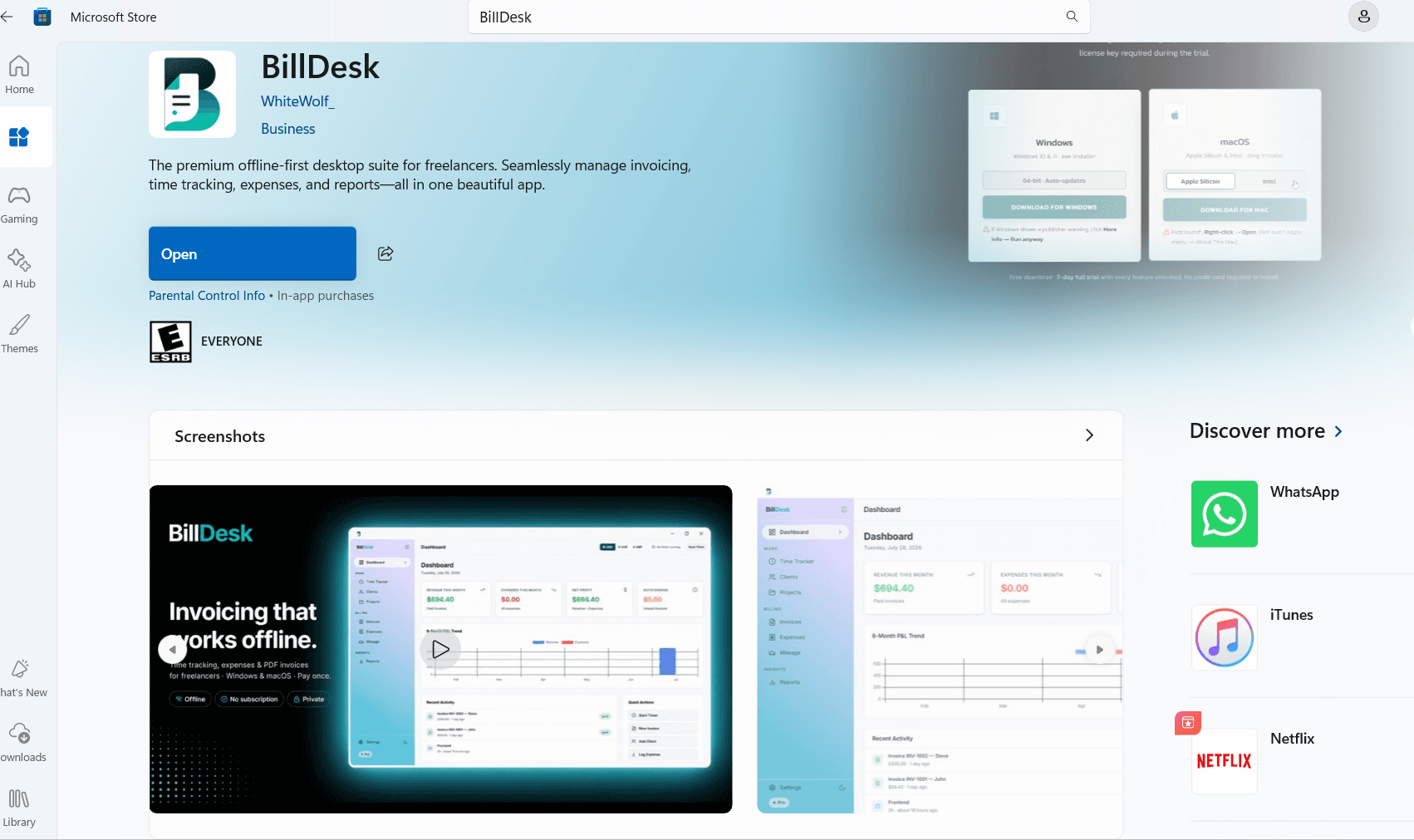
A familiar way to install BillDesk on Windows
The Microsoft Store listing gives Windows users another way to get BillDesk alongside the direct download on this website. Open the listing, review the device requirements and install through Microsoft Store. The listing identifies BillDesk under the publisher WhiteWolf_.
Once installed, launch BillDesk from Windows and begin setting up your business details, clients and projects. You need an internet connection to download the app; the core invoicing and record-keeping workflow runs locally afterward.
Why the Store install avoids the SmartScreen download warning
A Windows installer downloaded from a website can trigger a Microsoft Defender SmartScreen reputation warning when Windows does not yet recognize its publisher or file. That extra step can be confusing when you simply want to start working.
BillDesk’s packaged Store release uses Microsoft Store signing. Microsoft explains that Store-distributed packages are signed by Microsoft and do not receive SmartScreen download warnings. You can install from the Store without bypassing that direct-download warning or turning off Windows security. This is a benefit of Store distribution, not of an .appx file extension by itself.
Offline invoicing and time tracking in one desktop app
BillDesk is designed for freelancers and small businesses that want to keep business records on their own computer. Create professional PDF invoices, track billable work and review payments without moving your financial records into another cloud workspace.
- Create PDF invoices with client details, line items, taxes and payment terms.
- Track billable hours by client and project with a timer or manual entries.
- Organize expenses, receipts and business mileage alongside your invoices.
- Review revenue, outstanding invoices and reports, then export your records.
- Keep control of local backups and restore your records when needed.
How to get BillDesk from Microsoft Store
Use the Microsoft Store link on this page to open the BillDesk listing. On a Windows PC, continue into the Microsoft Store app if prompted, check compatibility and choose the available install option. If BillDesk is already installed, the listing may show Open instead.
After installation, open BillDesk and explore the seven-day trial. Start with a client and project, record a piece of work and export your first invoice. Store availability and installation options can vary by device and region.
The same trial and one-time license
Downloading BillDesk starts a seven-day trial with all features available. Continued use requires a $29 one-time lifetime license for one device. There is no monthly subscription; installing through Microsoft Store does not make the paid license free.
The direct Windows download remains available, and Mac users can still choose the Apple Silicon or Intel download from the website. Whichever platform you use, keep regular backups of your local business records.
Further reading: Microsoft’s explanation of Store signing and SmartScreen reputation.
Try the workflow
See whether BillDesk fits your freelance business.
Download the complete Windows or macOS app and use every feature during the 7-day trial. No credit card is required to install.
Choose a download